If you’re exploring WYSIWYG (“What You See Is What You Get”) website builders — platforms that let you visually design your site without coding — here are some of the best options, along with what makes each one strong and what to watch out for.
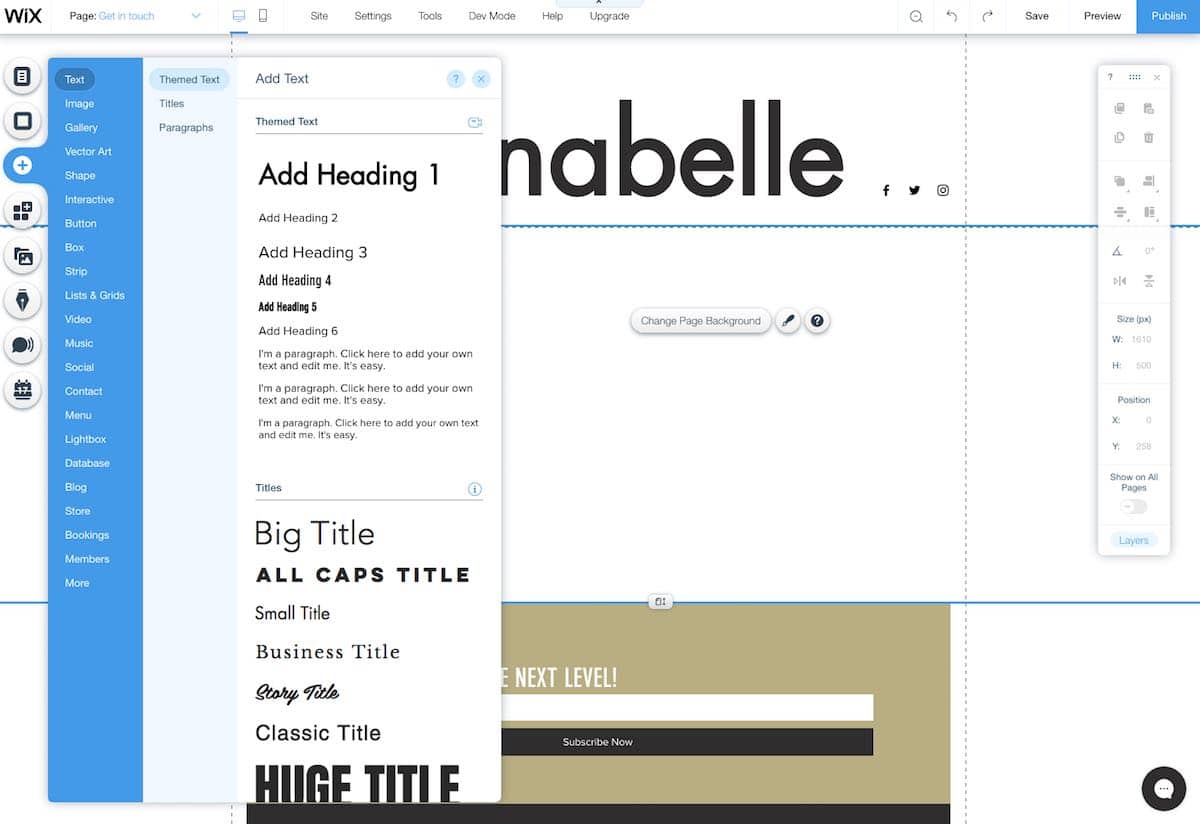
https://www.stylefactoryproductions.com/wp-content/uploads/2020/11/wix-interface.jpg
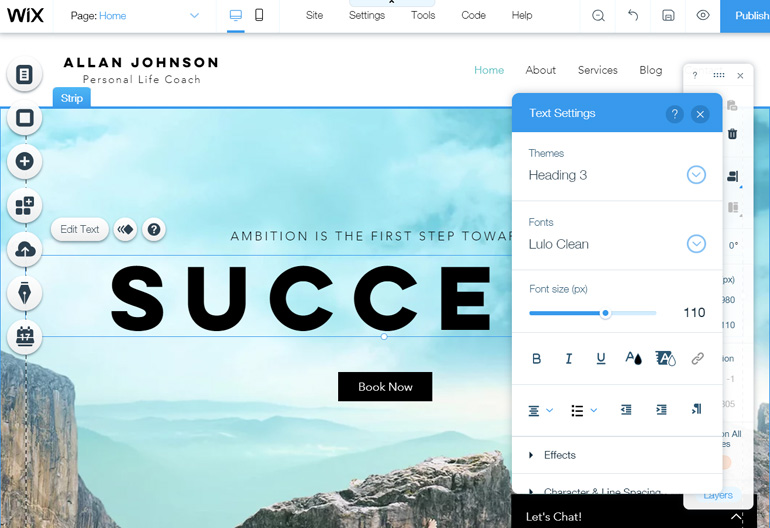
https://www.isitwp.com/wp-content/uploads/2018/12/edit-text-wix-editor.jpg
https://sm.pcmag.com/t/pcmag_me/photo/w/wix-templa/wix-template-gallery_mckg.960.jpg
Why it stands out:
Very strong drag-and-drop editor; you can place elements almost anywhere. Website Planet+2HostingAdvice.com+2
Huge library of templates (2,000+ according to one source) and many apps/integrations. Website Planet+1
Has AI-assisted site creation (“answer some questions and it builds a site for you”) in some plans. Website Planet+1
Trade-offs / things to watch:
Once you pick a template, switching later can be limited or require rebuilding parts. Website Planet
The flexibility is great — but that may also mean a bit more learning/time if you try to do something highly custom.
Best for: Small businesses, creators, anyone wanting strong design + flexibility without coding.
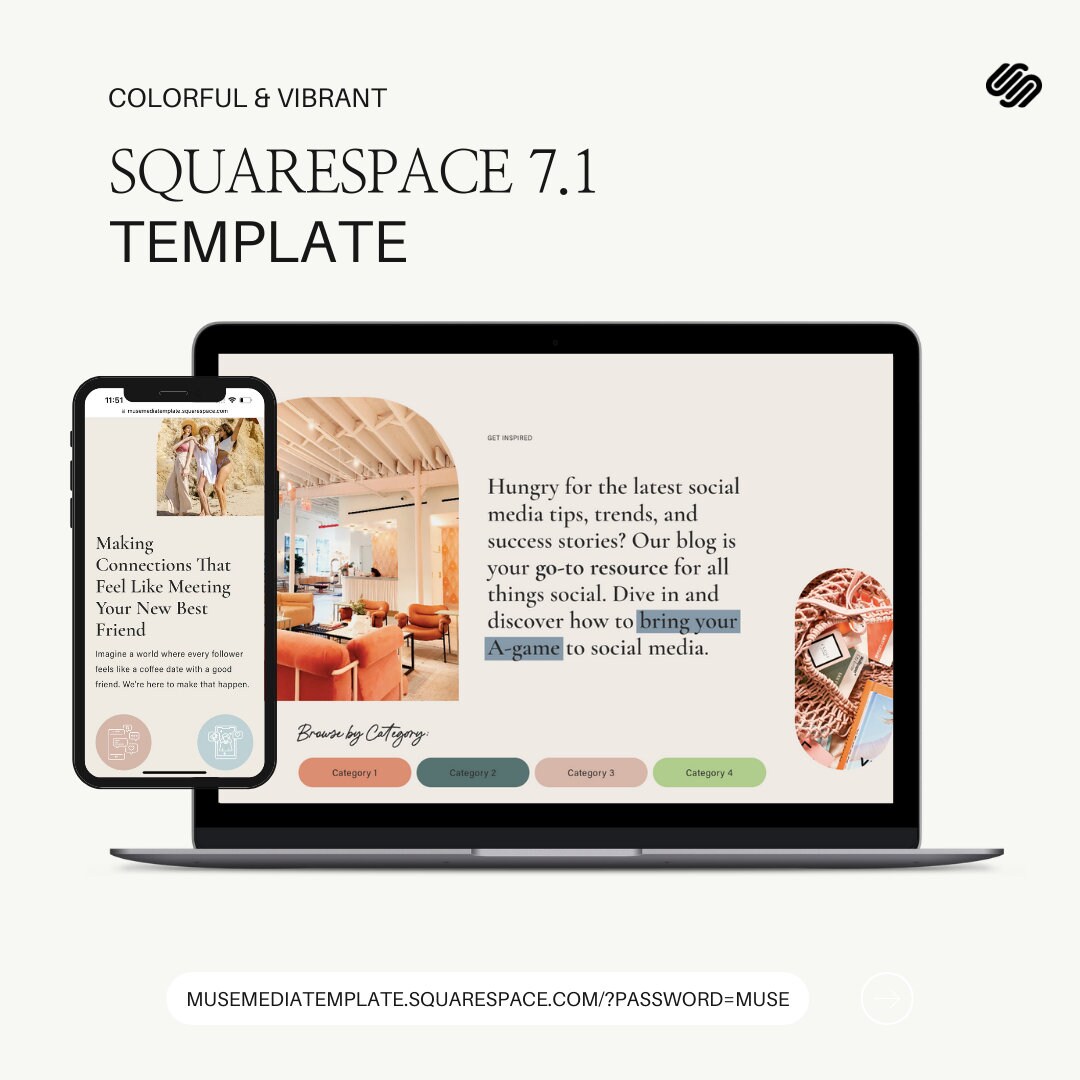
https://i.etsystatic.com/49345285/r/il/039833/5800824294/il_fullxfull.5800824294_dymi.jpg
https://i.pinimg.com/736x/7a/ba/f1/7abaf1e90d099bd83692644593d05c0c.jpg
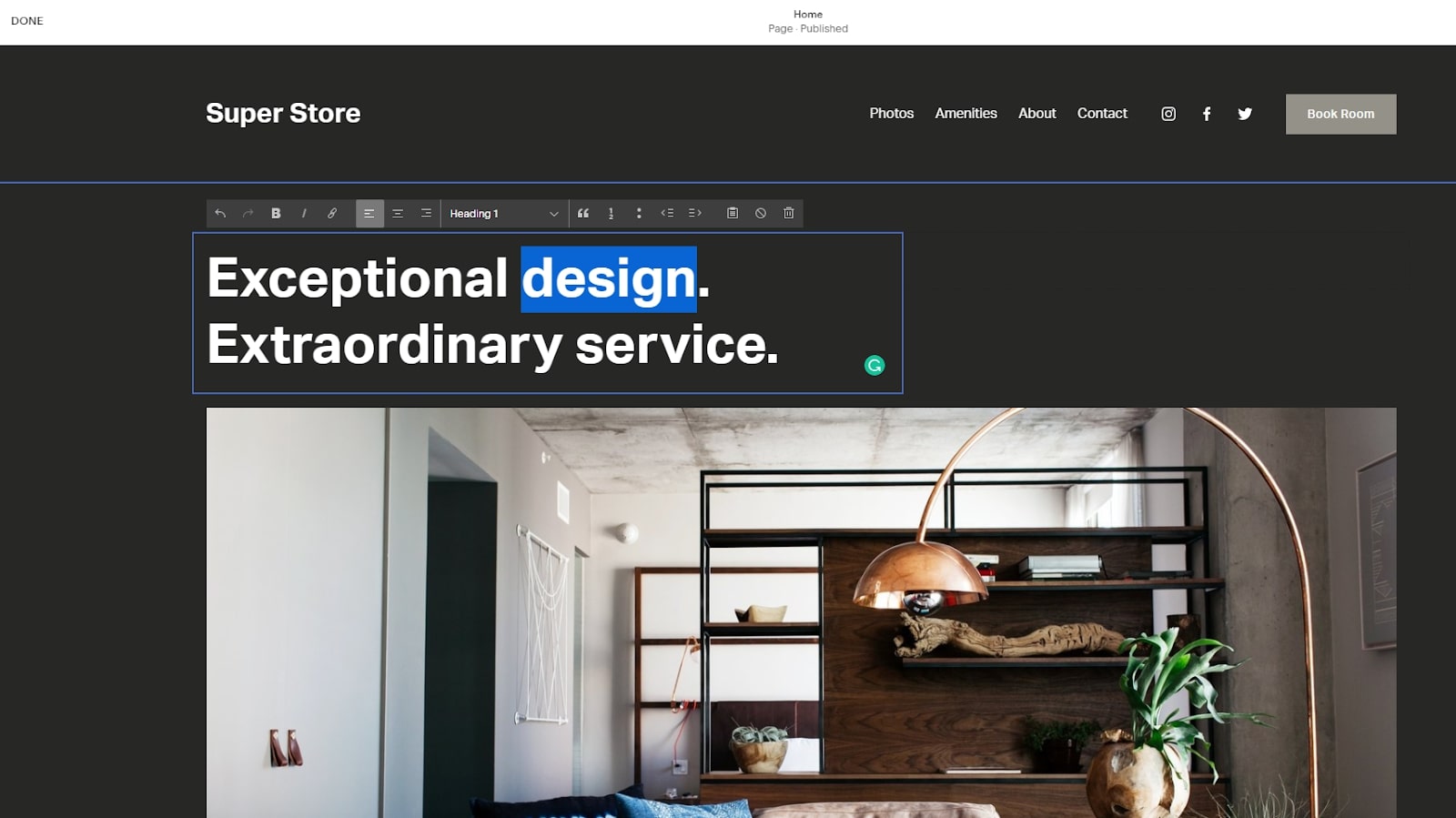
https://cdn.mos.cms.futurecdn.net/tgBvHnRmv4FXdWi4h9qzeC.jpg
Why it stands out:
Beautiful, design-centric templates. Great if aesthetics matter a lot (creative portfolio, design-forward). TechRadar+1
Good all-in-one platform (hosting + builder + templates) with fewer decisions required.
Trade-offs / things to watch:
Less “in-your-face” free-form drag-and-drop (depending on the version) compared to Wix; may feel a bit more constrained in layout freedom. One Hour Professor+1
Pricing may be a bit higher for equivalent features compared to some other builders.
Best for: Creatives, small businesses, blogs/portfolios where style is important.